Beyond Chat: How to Wire Your GA4 Data to a Growth Agent
Move beyond chatting with data. Learn how to wire your GA4 API directly to an autonomous growth agent for real-time ROI protection.
Vigor
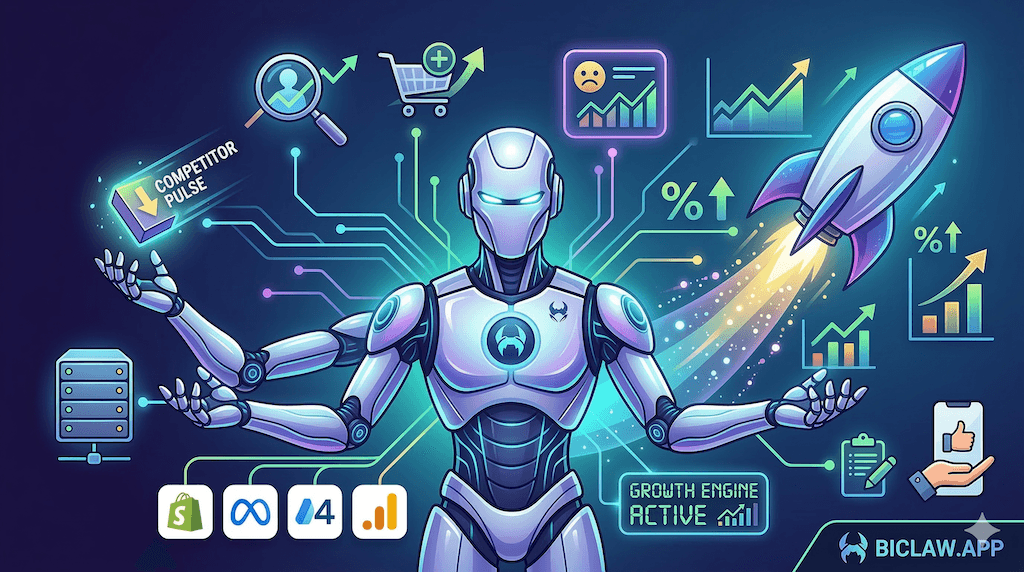
Beyond Chat: How to Wire Your GA4 Data to a Growth Agent (Step-by-Step)
TL;DR
- "Chatting with data" is slow; wiring data to a Growth Agent is autonomous. The shift is from asking questions to receiving finished analysis.
- Step 1: Secure the GA4 Data API (not just a CSV export).
- Step 2: Establish a Semantic Layer — define what "Success" looks like in plain code.
- Step 3: Connect the Loop — wire your traffic data to your ads and inventory logic.
- Mini-case: A DTC brand recovered 18% of their ROAS by catching a tracking mismatch between GA4 and Shopify in under 2 hours.
- Safety first: Use least-privilege API scopes and never share PII with the LLM.
If you are still asking your AI assistant "How much traffic did we get yesterday?", you are using it like a high-end search engine. In 2026, the real value is in Wiring.
Wiring means your GA4 data doesn’t wait for you to ask. It flows into a growth agent that understands your revenue, your ads, and your inventory. This guide shows you exactly how to move beyond chat and into autonomous growth operations.
Why Chatting with Data is a Bottleneck
Chat interfaces (like ChatGPT or Claude) require a human to be in the middle. You have to download a CSV, upload it to the chat, ask a question, and then interpret the answer. This is slow, prone to error, and impossible to scale.
According to McKinsey’s 2025 AI report, the most profitable companies are moving toward "Agentic Analytics"—where the data flows directly into systems that have the agency to act on it.
| Interaction Mode | Chatting with Data | Agentic Analytics (Wiring) |
|---|---|---|
| Initiation | Human-led (Manual) | Event-driven or Scheduled |
| Latency | High (Minutes to hours) | Low (Real-time to minutes) |
| Context | Single session | Persistent BI knowledge |
| Outcome | An answer | A proposed action + artifact |
Step 1: Secure the GA4 Data API
Stop using manual exports. To wire your data, you need a stable connection to the Google Analytics 4 (GA4) Data API. This allows your growth agent to fetch specific dimensions (e.g., source/medium, landing page) and metrics (e.g., sessions, conversion rate) programmatically.
The Rule: Always use an official Service Account or OAuth flow. Avoid "sharing" your personal credentials with any AI framework.
Action: Create a Google Cloud project, enable the GA4 Data API, and generate a JSON key for a service account with Viewer access to your GA4 property. This is the foundation of a BI-First AI Assistant.
Step 2: Establish the Semantic Layer
AI agents are smart, but they don’t automatically know what your business goals are. If you ask for "Conversion Rate," one agent might pull "Total Users / Purchases," while another pulls "Sessions / Purchases." This is called "Metric Drift."
To fix this, you must build a Semantic Layer. This is a plain-text file (like a SKILL.md) that tells the agent exactly how to calculate your KPIs.
Example Definition:
"CR_PURCHASE = (Total Purchases from Shopify) / (Total Sessions from GA4). Use the last 7 days as the baseline median. If today’s CR < 0.8x of median, flag as a HIGH alert."
For more on standardizing your metrics, see Ecommerce Analytics 2026.
Step 3: Connect the Loop (The Growth Engine)
Once the agent can see the traffic data and understands the metrics, you wire it to your other systems. This creates a Closed-Loop Ad Iteration engine.
The Flow:
- GA4 Signal: Agent notices that traffic from a specific Facebook Ad campaign is landing on a 404 page.
- Reasoning: Agent cross-references the campaign ID with the Meta Ads API.
- Action: Agent drafts a Slack alert: "Campaign A is wasting budget on a broken link. Click [PAUSE] to stop the campaign until fixed."
This is the difference between losing $500 overnight and catching the error in minutes. Learn about building this DTC Growth Engine here.
Mini-Case: 18% ROAS Recovery in 2 Hours
Context: A boutique home goods brand (~$300k/mo revenue) was spending $10k/week on Meta Ads. Their ROAS suddenly dropped by 20% on a Tuesday morning.
The Discovery: Their wired growth agent noticed that while Shopify orders remained steady, GA4 reported zero purchases from the primary ad campaigns. It immediately flagged a tracking pixel failure.
The Intervention: The agent alerted the founder at 8:15 AM. By 10:00 AM, the pixel was fixed.
The Result: Without the agent, they would have likely waited until the following Monday’s review to notice the data gap. They saved an estimated $1,200 in "blind" ad spend and maintained their data integrity for future attribution.
Safety and Governance
When wiring data, security is not a feature; it is the foundation. Follow the NIST AI Risk Management Framework guidelines:
- Least Privilege: Give the service account
Vieweraccess only. The agent does not need to edit your GA4 property settings. - PII Minimization: Ensure your GA4 setup is not collecting Personal Identifiable Information (PII) like email addresses in the URL strings.
- Audit Logs: Every API call the agent makes should be logged. See Agent Ops Postmortems.
Conclusion: From Chat to Operations
Wiring your GA4 data to a growth agent is the first step in moving from a "dashboard culture" to an "outcome culture." You stop asking what happened and start deciding what to do.
Ready to wire your analytics? Start a 7-day free trial at biclaw.app and see what happens when your data actually has the hands to grow your business.
Related Reading:
- /blog/ai-agent-for-ecommerce-business-intelligence
- /blog/ecommerce-analytics-tools-2026
- /blog/automate-shopify-morning-brief
- /blog/agentic-ai-architecture-guide
Sources: Google Analytics 4 Data API Guide | McKinsey on Agentic Analytics


